Make Your First Beat Today: A Zero-Experience Guide
Making your first beat takes a computer, headphones and an afternoon: no music theory, no MIDI controller, no monitors. Load a kick, a snare and a hi-hat, copy the 16-step pattern below square by square, set the tempo around 140 BPM, and you'll have an 8-bar trap loop running by tonight.
Somewhere between "I'd love to make beats" and actually making one, most people stall forever. Not because beatmaking is hard, but because the entry looks expensive. Music theory. A MIDI keyboard. Studio monitors. Forty tutorials that each assume you've watched the other thirty-nine.
Here's the truth from the other side: your first beat is an afternoon project. The computer you already own is enough, the software costs nothing today, and the first pattern is printed below so you can copy it square by square. Drums don't have wrong notes, so there is no theory to fail.
By tonight you can have an 8-bar loop that bangs on repeat. Here's the whole path.
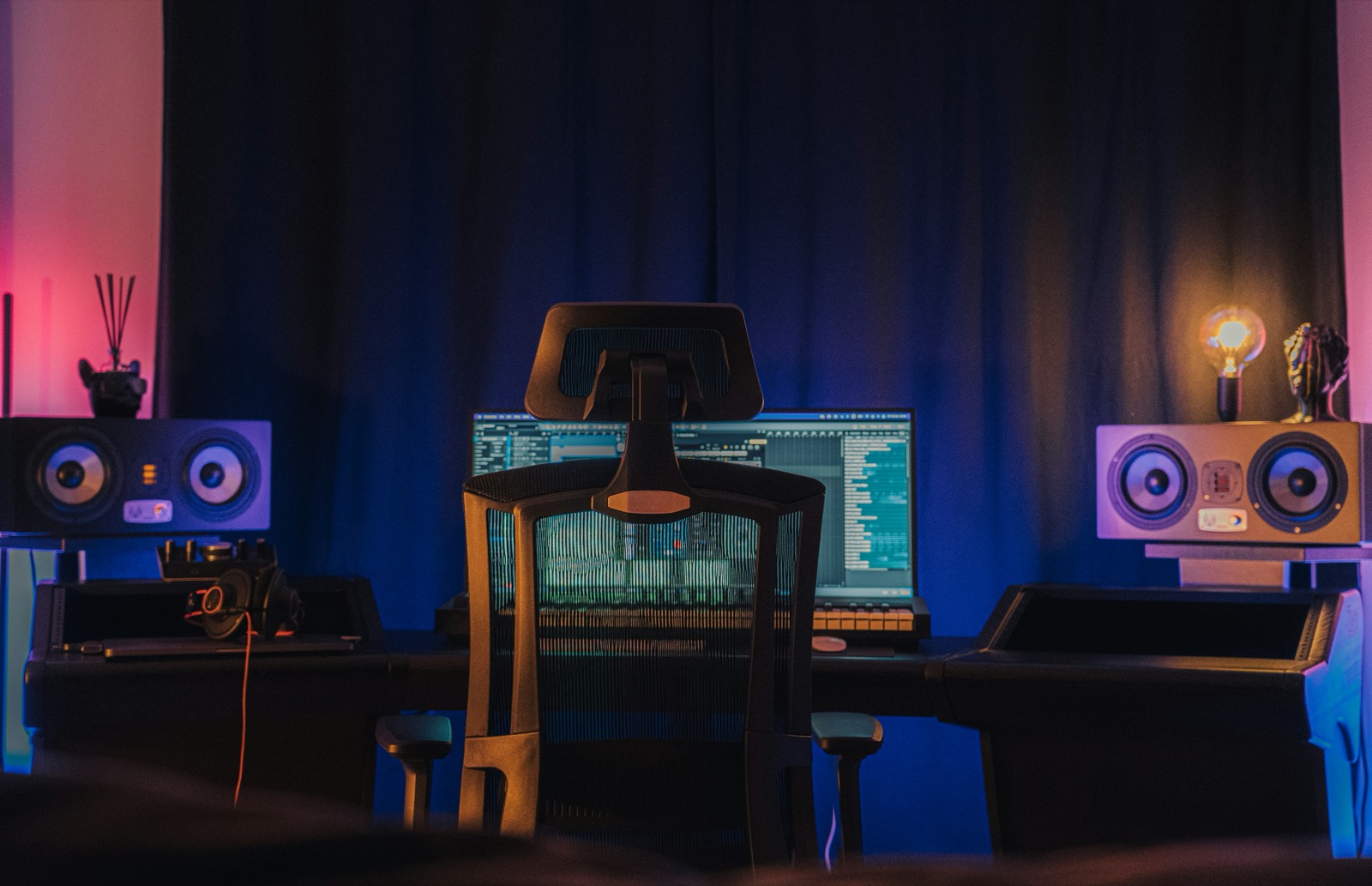
What you need (and the longer list of what you don't)
You need a computer and something to hear it through: earbuds count. For software, the free path is wide open: on a Mac, GarageBand ships free and loads real plugins; on any machine, most DAWs have trials. And for the drums themselves, TrapMan's 7-day trial is every feature with the Core Kit included, no credit card, and it drops straight onto a track in whichever DAW you pick.
Now the list you don't need: music theory (a drum grid is squares, not notation), a MIDI controller (the mouse is the instrument), monitors, an audio interface, or sample packs (the Core Kit's 808s, kicks, hats, snares, claps and percussion are the starter kit). Every one of those can come later, after the fun is real.
Copy this pattern
A beat tool's grid reads like a picture: each row is a drum, each column is a slice of time (sixteen columns to a bar), and a filled square means "hit here." If grids are new to you, what a step sequencer is explains the whole idea in five minutes. For today, just copy this:
What you're copying: the kick lands on the very first square (the downbeat), then sneaks back in twice for bounce. The snare hits once, dead center on beat 3: that single hit is what makes trap feel heavy and slow even at speed. The hats tick along evenly and hold the whole thing together. Three rows. That's a beat.
Five steps to an 8-bar loop
1. Load three sounds. Open TrapMan on a track in your DAW and pick a kick, a snare and a closed hat from the Core Kit, one per lane. Don't audition twenty kicks; take the first one that sounds good and move.
2. Fill in the grid. Click the squares to match the pattern above. The beat markers every four steps keep you from losing count.
3. Press play and set the tempo. Hit your DAW's transport to start the loop. Set the tempo around 140 (the trap default) and let it loop while you work. Every edit lands in real time, so you hear each change the moment you click it.
4. Make it breathe. Two moves, no more. First, quiet down every other hat a little so the row stops sounding like a machine gun. Second, the wow moment: open the hat lane's piano roll, select one hat near the end of the bar, and hit Cmd+U: it subdivides into a roll, the signature trap stutter, in one keystroke.
5. Stretch it to 8 bars. Copy your pattern to a second pattern slot and change exactly one thing: drop the kicks out, or double the snare at the end. Chain them (say, three loops of pattern 1, then one of pattern 2) and you've got eight bars with a shape: groove, groove, groove, twist.
That's a finished first beat. Bounce it, loop it, send it to someone.
The rules for day one
One: Core Kit only. Sample shopping is a rabbit hole with no beat at the bottom. Two: no mixing. EQ and compression are next month's problem. Three: done beats over good beats. Your tenth will embarrass your first, which is exactly the plan. When you're ready for the full recipe (808 slides, roll placement, pattern variations), trap drum patterns 101 is the next step.
FAQ
Do I need music theory to make beats?
No, and drums are the proof. Rhythm is placement, not pitch: there's no key signature on a kick drum. Melodies and chords benefit from theory eventually, but thousands of producers learned it after beats, by noticing what their favorite loops had in common. Start with drums and the theory question disappears for months.
What equipment do I need to start making beats?
A computer and headphones. Genuinely. Controllers, monitors and interfaces make things nicer, not possible: the mouse programs a grid just fine, and beats made on earbuds still knock. Upgrade when a specific frustration tells you to, not before you start.
What tempo should my first beat be?
Around 140 BPM if you're copying the pattern above: that's trap's home, and the lone snare on beat 3 makes it feel like a heavy 70. Anywhere from 130 to 150 works; pick what nods your head. There's no wrong answer, only defaults that make things easier while you learn.
How long until my beats sound good?
Your first loop will sound like a beat today: that's the point of the grid. Sounding good is a volume game: producers who finish a beat a week improve faster than ones who polish a loop a month. Aim for quantity first; taste catches up quickly when it gets fed.