How to Organize Drum Samples (and Let AI Do It for You)
Organize drum samples by type, not by pack: top-level folders for kicks, snares, claps, hats, 808s and percs, and filenames that lead with the type and end with the key: kick_punchy_A.wav. Or skip the filing entirely: AI sample sorting classifies the audio itself, no matter what the file is called.
Somewhere on your drive is a folder called Production_Kit_2024_USETHIS, or Kits (new), or just stuff. It holds years of downloaded packs, half of them still zipped, and it contains (somewhere) the exact kick your current beat needs. You know it's in there. You've heard it. Finding it will take twenty minutes you'll never get back, and by minute twelve the beat you opened the folder for has gone cold.
Every producer owns this folder, because sample libraries grow the same way junk drawers do: one reasonable addition at a time, no system, forever. And unlike the junk drawer, this one interrupts you mid-idea, which is the most expensive moment a producer has.
The fix comes in two sizes: a folder-and-naming system that actually holds up (twenty years of producer folklore, distilled), and a way to skip the filing entirely.
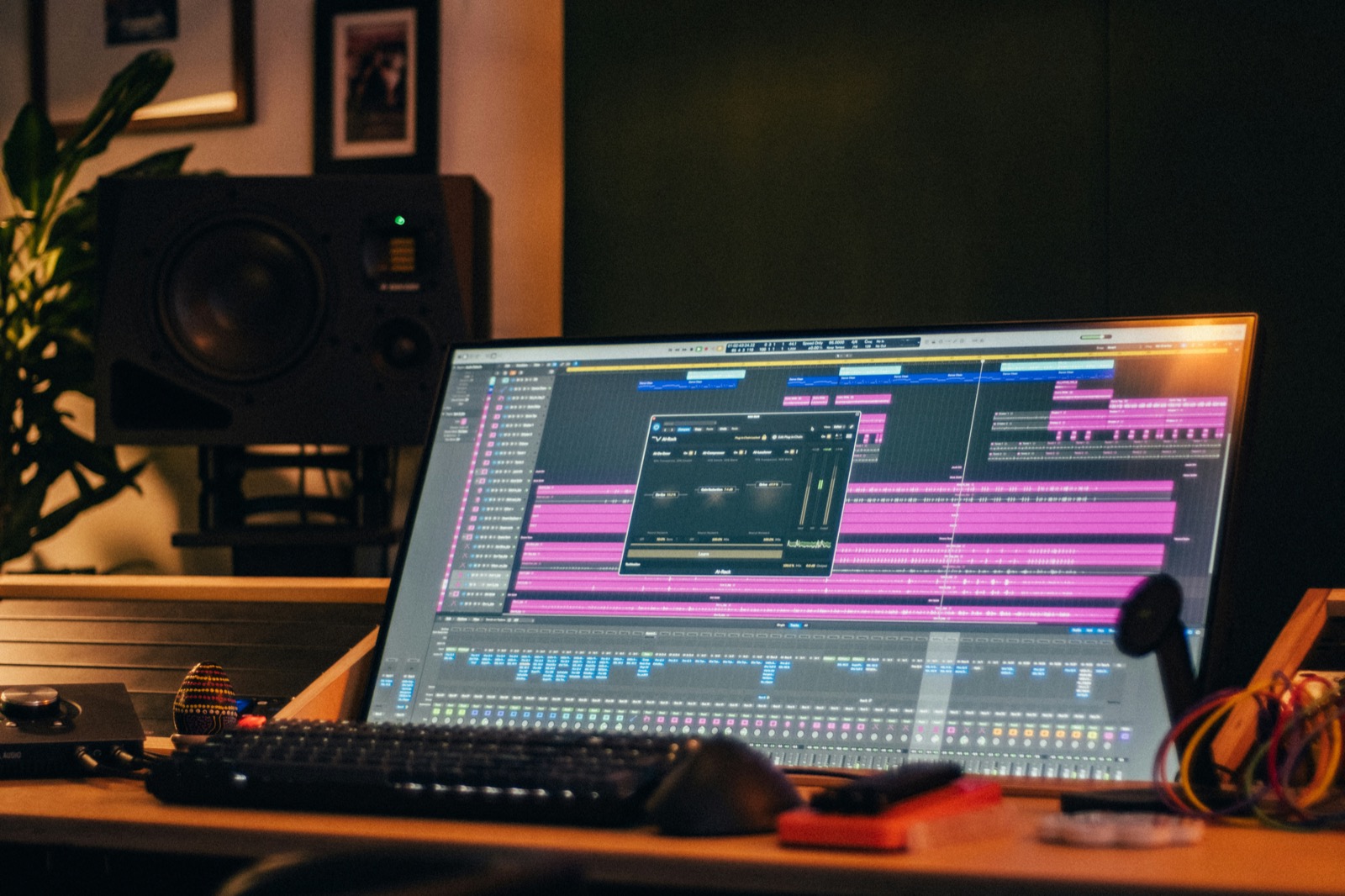
What digging actually costs
Call the time-sink what it is. "Digging for a sound" feels like production (you're in the studio, audio is playing), but it's a context switch wearing headphones. The idea that started the session has a shelf life measured in minutes, and every minute of scrolling through clap_punchy_MASTER_v4(1).wav spends it. The producers who finish the most beats aren't the ones with the most samples; they're the ones with the shortest path from I hear it to it's in the project.
An organized library shortens that path. A sorted plugin shortens it more. Do both.
Organize by what it is, not where it came from
The single biggest mistake is organizing by pack. Pack folders feel organized (they came that way!), but they index your library by marketing, not by sound. Six months later you don't remember which pack had the good rimshots; you remember that you need a rimshot. Your top level should be drum types:
Samples/
  Kicks/
  Snares/
  Claps/
  Hats/
    Closed/
    Open/
  808s/
  Percs/
  Textures/
File every new pack into that tree and packs stop mattering the day they arrive. Two refinements earn their keep once the type folders grow: split by character where a folder passes a few hundred files (Kicks/Punchy, Kicks/Boomy), and keep a small Favorites/ kit of the twenty sounds you actually reach for: the working set that starts most beats.
What doesn't earn its keep: genre folders. "Trap kicks" and "house kicks" are the same files with different neighbors, and genre lives in how you use a sound, not in the file. Type first; let taste do the rest.
Names that survive
A sample name has one job: telling you what the file is before you click it. The pattern that holds up is type, character, then pitch for anything tuned:
kick_punchy_A.wav
808_long_F.wav
snare_dusty_bright.wav
hat_closed_tight.wav
Rules worth adopting: keep the type first so files sort by what they are; include the key on 808s and toms (future-you will re-pitch them and want to know from where); and never, ever final, new, or bare numbers: kick_new_final_2.wav is how the junk drawer wins. If a name tells you nothing, the file might as well not exist.
Why sample-manager apps keep disappointing
The obvious counter to all this manual filing is "just get a sample manager", and if you've tried the category, you already know why this section exists. Producer forums document the same failures across every big name: library scans that run for a day (one producer counted sixteen hours of "refreshing the sample database" on a 2 TB collection), taggers that file hats as percs because they trust filenames over audio, databases that quietly forget entire folders after an update, and apps that put your own samples behind a subscription. None of this is because the developers are lazy; whole-disk indexing is genuinely hard. But a browser whose index is wrong or stale doesn't end the digging session, it adds a search box to it.
And even a sample manager working perfectly has a structural problem: it's a separate window. You find the sound in one app, then carry it to the instrument where the beat actually lives. That handoff is small, but it's paid mid-idea, every time: the exact moment the junk drawer was already costing you.
Or skip the filing: let the plugin sort
Here's the honest problem with everything above: it's a chore, the backlog is huge, and the folder only helps before the samples reach your beat. TrapMan's answer is AI sample sorting: drag samples in, and an on-device neural network listens to each one and files it as a kick, snare, hat or 808, automatically, while you keep working.
The details that make it useful rather than gimmicky:
- It classifies the audio, not the filename. The network reads the transient, spectrum and decay, so
perc_weird_09.wavgets filed as the kick it actually is. Your worst-named files benefit most. - It's on-device. Nothing uploads anywhere; your unreleased drum stash stays on your machine, and sorting works with the Wi-Fi off.
- You stay in charge. Anything the network mislabels, re-tag once and it's filed where you want it.
Point TrapMan's library at a whole messy folder (the AI sorting classifies everything in the background, kicks with kicks, 808s with 808s, no matter what the files were called), then drag individual samples onto sample lanes as you need them, up to 16 lanes, one sample each, in WAV, AIFF, MP3 or FLAC. From there, each sound is one click from the sample editor for trim, fades and pitch, and the idea you sat down with is still warm.
Disk taxonomy for the library, AI sorting at the point of use. The folder stays clean, and the beat never waits on it.
FAQ
Should I organize samples by pack or by drum type?
Type. Pack folders index your library by where sounds came from, which is the one thing you never search for mid-session. File packs into type folders on arrival (kicks with kicks, 808s with 808s) and delete the empty pack folder without guilt. The only pack worth preserving as a unit is one you use as a complete kit.
What's a good naming convention for drum samples?
type_character_key: kick_punchy_A.wav, 808_long_F.wav. Type first so folders sort usefully, character so you can tell siblings apart, key on anything tuned. Rename on import, not "later": later is where naming conventions go to die.
How do I stop hoarding samples I never use?
Audition on arrival and be ruthless: if a sound doesn't make you react in one listen, it doesn't get filed. A Favorites/ kit of twenty go-to sounds will start more beats than ten thousand unheard files: the library's job is speed, not completeness.
Does AI sorting replace organizing my library?
It replaces the part that hurts: finding the right type of sound fast, mid-session, regardless of filenames. Your disk library still benefits from the folder tree (for backups, for sharing, for other tools), but inside TrapMan, a messy folder and a perfect one land equally sorted.
How is this different from sample managers like Cosmos or XO?
Those are browsers: separate apps or plugins where you search and audition, then carry the sound to your actual instrument. Set aside the category's recurring complaints (marathon scans, mislabeled files, databases that lose folders) and the deeper difference remains: TrapMan sorts inside the sequencer, on-device, and a sorted sample's next stop is a lane, not another list. Finding and using stop being two steps. (XO does attach an 8-lane sequencer; XO alternatives compares the two halves honestly.)