How to Fix the Drums That Give Away Your AI Song (Suno, Udio)
AI song drums fail in two separate ways: the sound (lossy, metallic, nothing above roughly 15 kHz) and the feel (every hit at the same volume, dead on the grid). Restoration fixes the sound. For the feel, split the song into stems, mute the AI drums, and program real ones in their place.
Play someone an AI song and watch how fast they clock it. It is rarely the vocals that snitch. It is the drums: cymbals that shimmer like tin foil, a snare with no life in it, hats ticking away like a smoke detector. The rest of the track can be genuinely good, and those drums will still hang a sign on it.
Here is the useful part. "AI drums sound fake" is actually two different problems wearing one complaint, and they have two different fixes. One is an audio problem you can hear in a spectrum analyzer. The other is a musical problem you can see on a grid. Fix both and the tell disappears.
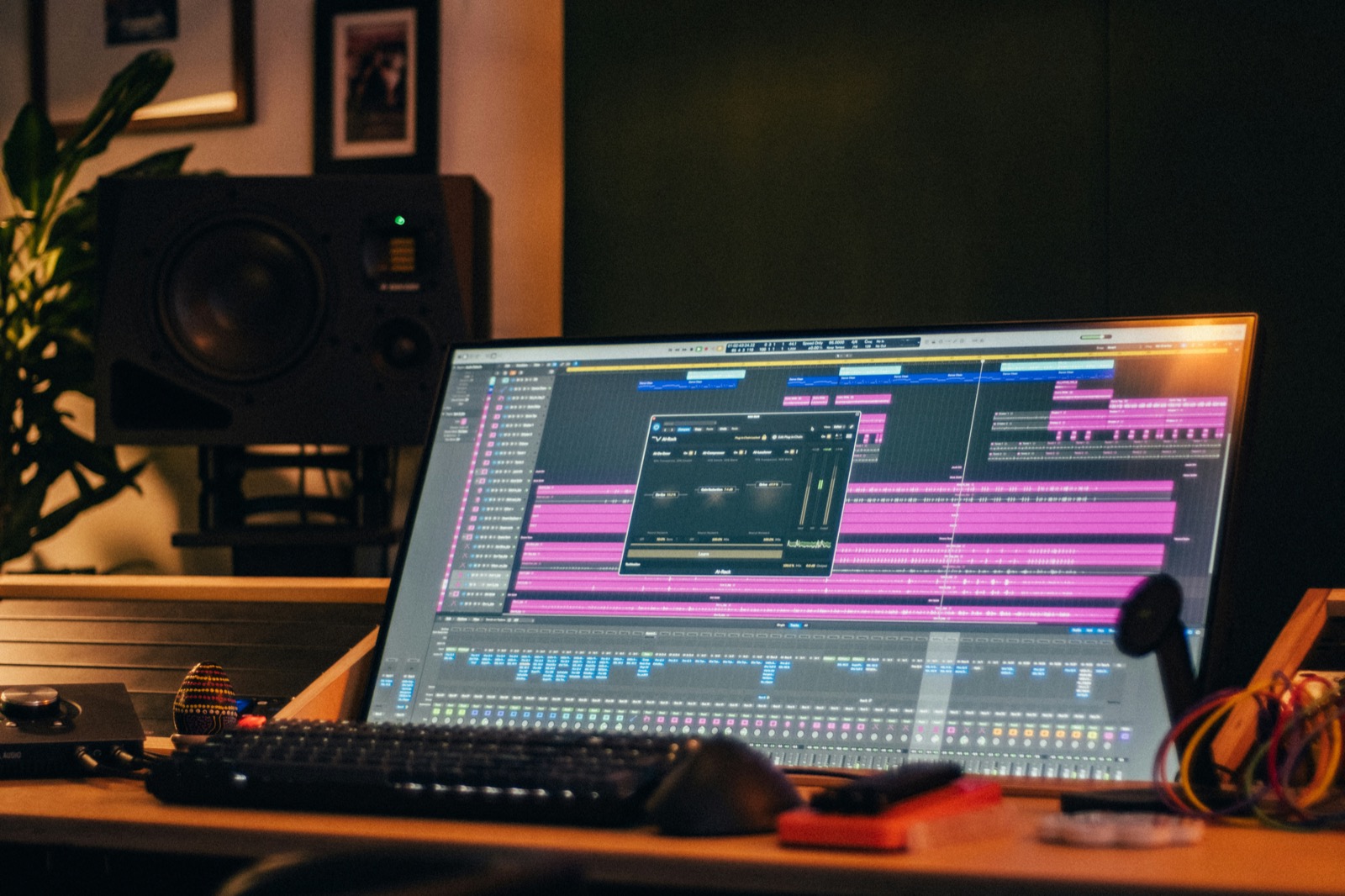
The sound: your drums are wrapped in plastic
AI platforms export lossy, streaming-grade audio, and lossy encoders hit drums harder than anything else in the mix. Drum hits are transients, short spikes of energy that compression algorithms struggle to encode, so they come back smeared and metallic. Producers who mix AI tracks for a living all point at the same fingerprint: the spectrum just stops somewhere around 15 kHz. Everything above, the shimmer of a real cymbal, the air on a snare, simply is not there.
You will find workarounds in mixing tutorials, and they are real. A de-esser tamed around 3 to 5 kHz takes the worst edge off the harshness. A gentle boost near 8 kHz can mask the missing ceiling. Suno's own remaster feature (subtle, normal, high) cleans up some artifacts on a drum stem too. These tricks help, and they share a limit: you are decorating a photocopy.
The actual fix is restoration. Neural Analog rebuilds the missing frequency content up to 20 kHz and repairs the compression smear on the full track, with direct import from Suno, Udio and Mureka. Their docs on improving Suno audio quality walk through the exact chain. Restore first, then judge your drums again. Half the time, the sound was the whole problem.
The feel: nobody is playing these drums
The other half of the tell has nothing to do with audio quality. Listen to what the AI drummer is actually playing: one hit per beat, every hit at the same velocity, everything welded to the grid. No ghost notes murmuring between snares, no accent pattern on the hats, no roll leaning into the hook. A session drummer plays none of it that way, which is why your ear flags it as fake even through a phone speaker.
You cannot EQ your way out of a performance problem, and you cannot edit the performance either: the drums are rendered audio, fused into a stereo file. Re-prompting will not save you. As Neural Analog's docs put it, a prompt creates a new song, it does not edit the finished file. Even "no drums" prompts routinely fail.
What works is taking the drum slot back. Their drum remover splits the track into the song minus its drums, plus the isolated drum stem if you want to salvage one-shots from it. Load the drumless stems in your DAW, open TrapMan next to them, and write the part the AI could not play: kick and 808 locked on the step grid, your own hats, your own snare. Print it with Slap on the kick and 808, and the knock sits against restored stems instead of fighting compressed mush.
One warning before you start clicking cells. If you program your replacement drums at full velocity, straight down the grid, you have not fixed the robot. You have just hired a new one. The next two sections are what separate your drums from the ones you deleted.
Kill the flat velocity: three levels, not one
No drummer in history has hit a drum the same way twice. Flat velocity is the single loudest tell of programmed drums, and the fix is a system you can apply in minutes. Forget 127 velocity values; grooves are built from three:
- Accent (X): the hits that define the groove. Full force.
- Normal (x): the timekeeping layer. Most of your hits.
- Ghost (o): hits at roughly a third of normal volume. Felt more than heard.
Here is what it looks like on a hat line, one bar of 8th notes:
The accents pin beats 1 and 3, the ghosts duck under where the snare cracks, and the same rhythm suddenly has a pocket. Play this against a flat x.x.x.x.x.x.x.x. row and the difference is embarrassing.
Ghost notes are the level AI never writes and drummers swear by. The snare lane is where they earn legend status:
The rule that keeps ghosts musical: they should be missed when removed, not noticed when present. Mute them and the groove should suddenly feel stiff. If you can clearly hear a ghost as its own event, drag it lower.
In TrapMan this is the velocity lane under each lane's piano roll: loop the pattern, leave the defining hits tall, pull the in-betweens to a comfortable middle, then drag the ghosts down until they nearly disappear. Dosage varies by drum: keep kicks close to uniform (a timid kick reads as a mistake), give snares consistent accents with free ghosts between, and let hats swing through the widest dynamic range in the kit. The full system, lane by lane, is in the velocity guide.
Kill the grid-weld: swing, applied like a drummer
Velocity fixes how hard. Timing fixes when, and the AI's problem is that every hit lands exactly on the grid. Real players drag the off-beats late, by the same amount, every bar. That repeatable lateness is swing; random lateness is just sloppiness, which is why "humanize" randomizers never sound human.
The move in practice: set the grid one level finer than the notes you are swinging, select the off-beat hats in the piano roll, and nudge them late with Cmd+Arrows. One tick is usually enough. Keep the kick and the downbeat hats planted, they are the listener's clock. Pair the nudge with the velocity system above and you have covered nearly everything people mean by "bounce". Genre dosage and the swing percentages behind it live in the swing and shuffle guide.
The order of operations
For a track you want to keep, run it in this order and each step makes the next one better:
- Restore the full song to studio-quality WAV. Judge the drums honestly afterward.
- Decide: process or replace. Decent pattern with plastic sound: keep the restored drum stem, de-ess the 3 to 5 kHz harshness, move on. Robotic pattern: replace.
- Split out the drums with the drum remover, keep the instrumental stems.
- Program your own drums over the drumless track: three-level velocity, ghosts under the backbeat, off-beats nudged late. Step 4 is where the tool matters: a plugin with a real step grid makes velocity and ghost-note edits a two-click job, and a comparison of the drum sequencer plugins says which ones have one.
- Bounce and A/B against the raw export. The distance is usually embarrassing.
The result reads as a produced record, because that is literally what it is now: generated harmony, human drums.
FAQ
Why do AI drums sound metallic?
Lossy encoding. Drum transients are the hardest thing in a mix for compression algorithms to encode, so they come back smeared, with a hard cutoff around 15 kHz where cymbal shimmer should live. Restoration rebuilds that band; EQ tricks only mask it.
Can I just prompt Suno or Udio to generate better drums?
You can re-roll and sometimes win, but you cannot edit what is already rendered: prompts generate new audio, they do not fix finished files. Even "no drums" prompts fail regularly because the model treats the whole mix as one piece. Stem separation is the reliable path to a drumless version of the track you already like.
My AI song's drums are high quality but still feel fake. Why?
Because the problem is the performance, not the audio. Flat velocity, no ghost notes, everything dead on the grid: those are musical tells, and no amount of mastering touches them. Rebuild the part with three velocity levels and a consistent swing and the same track stops sounding generated.
How quiet should ghost notes be?
Start around a third of your normal hit's level and adjust by ear. The removal test settles it: mute the ghosts, and the groove should suddenly feel stiffer. If muting changes nothing they were too quiet; if the pattern just sounds busier with them, they are too loud.
Is it worth replacing drums on every AI track?
No. For sketches and reference tracks, the built-in remaster or a quick de-ess is plenty. Replace the drums on the tracks you intend to release, because drums are where listeners' fake-detectors are sharpest, and they are the one element you can fully own with an hour of work.